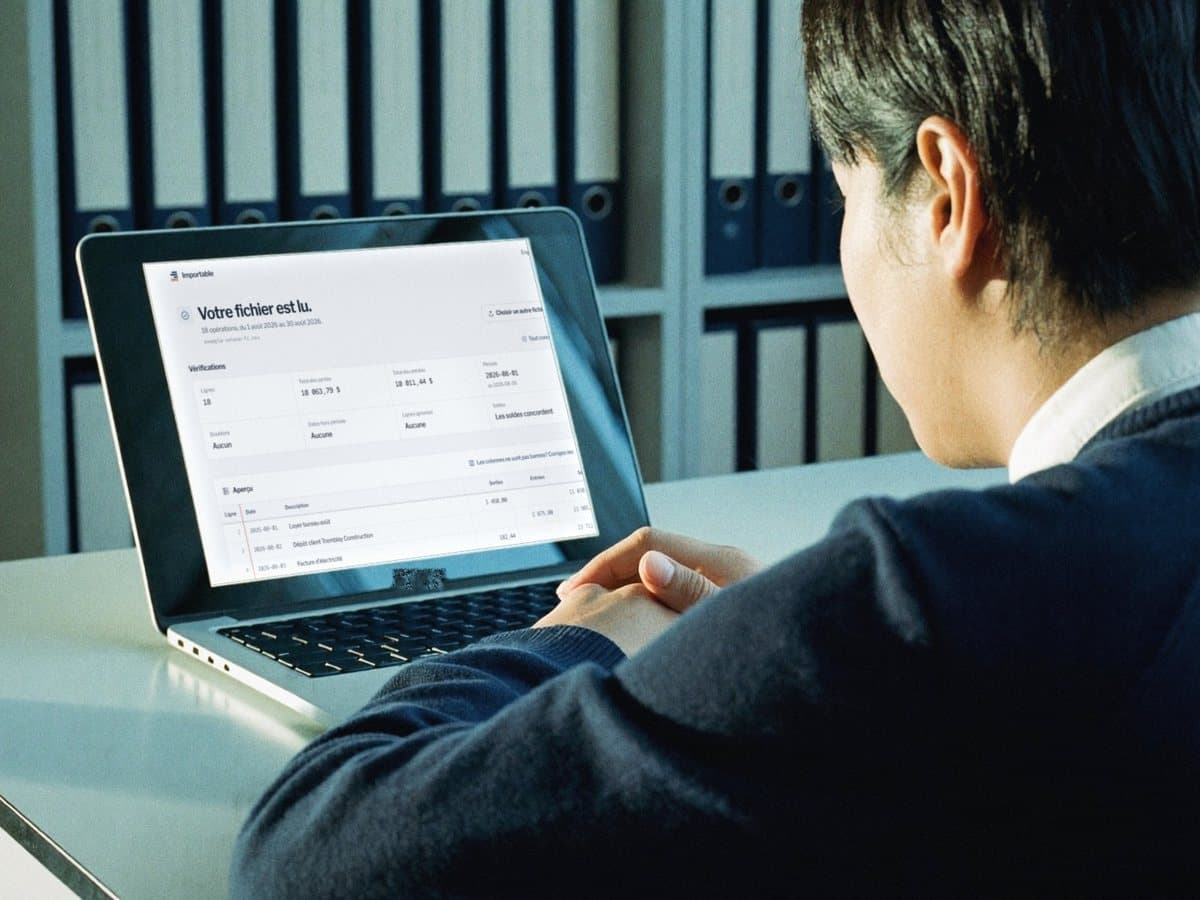
Your bank statement, ready to import.
Drop the CSV or Excel file exported from your bank. We turn it into an import file for QuickBooks Online, Sage 50 or Xero.
Drop your file here
or
CSV, Excel (.xlsx) or TXT. Up to 4 MB and 5,000 rows.
Reading and the preview are free. You pay only to download the file.
- Your file is read in memory on our server, then forgotten. Nothing is written to disk.
- Only a few rows show before payment. The rest is sealed (encrypted).
- Payment by Stripe. We never see your card number.
What happens to your file
Bank statements are private. Here is exactly what our service does, nothing more.
Read in memory, never saved
Your file is read in memory on our server. Nothing is written to disk. Once processing ends, nothing of it stays on our side.
The result is sealed
The full result is encrypted before it is sent back to you. Only a few rows show in clear in the preview. The rest only becomes readable when you download.
No content in our logs
Our technical logs note that a conversion happened, without the content, the amounts or the file name.
Payment by Stripe
Stripe handles the payment. We never see your card number. Stripe only gets the row count and a technical code, not your transactions.
No account
No sign up, no email needed to try it.
Suggestions on request
Two optional suggestions use the artificial intelligence service of Anthropic, PBC, in the United States. Nothing is sent to it unless you ask for it on your file. If you click “Let an AI service suggest the columns”, we send the column headers and at most 5 sample rows with every digit masked. If you tick “Suggest an accounting category”, we send each description once with the direction of the transaction (money in or out), without amounts, dates or balances, and long runs of digits in it are masked. A description can contain a name, for example in an Interac transfer. We ask for the processing to happen in the United States. Under its commercial terms, Anthropic does not train its models on this data. According to its privacy center, it deletes the data within 30 days, unless it is flagged for a usage policy violation or the law requires keeping it. Details in our privacy policy
How it works
Drop
The CSV or Excel file exported from your bank or from a statement converter.
Check
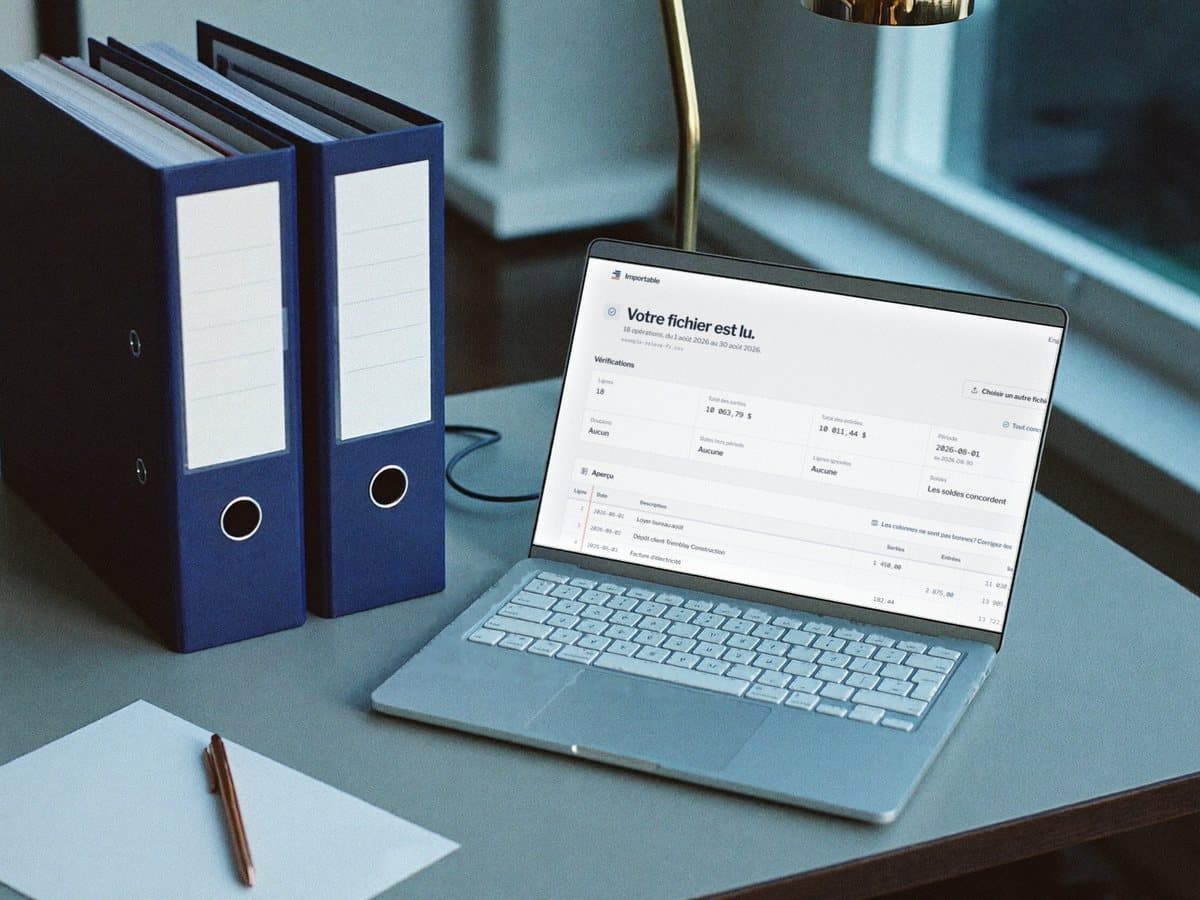
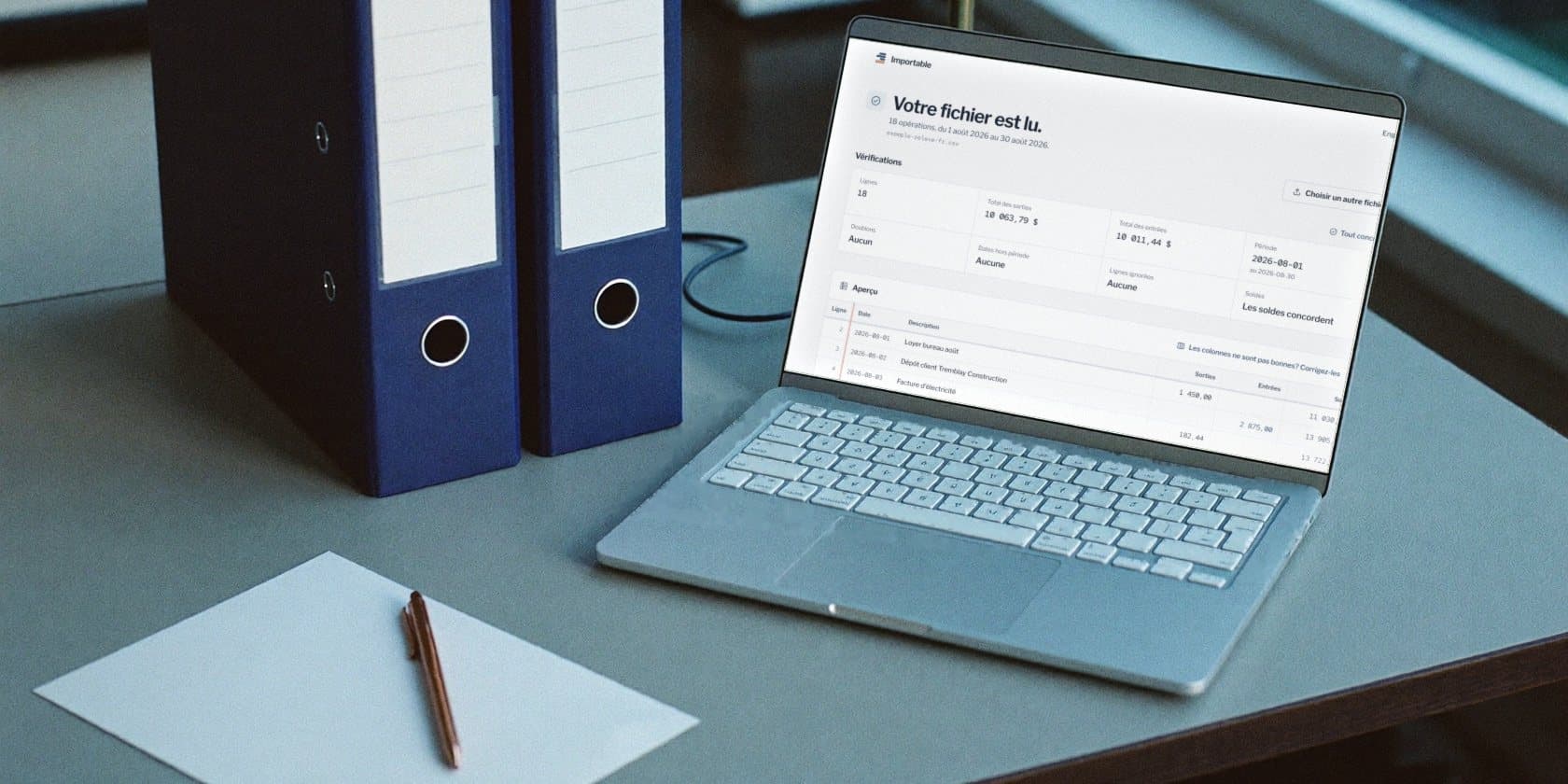
We find the columns and run the checks. You see the first rows and the totals, for free.
Import
Pick QuickBooks Online, Sage 50 or Xero. Pay once, download, import.
What you can drop
- A CSV or Excel .xlsx file exported from your bank
- The Excel file made by a PDF statement converter
- Headers in French or English
- One amount column, or two (money out and money in), with or without a balance
Canadian numbers and dates
- 1 234,56
- 1,234.56
- 27 sept. 2026
- 2026-09-27

The files, as they are
The first lines of each file, written by our code from a fictional statement. This is exactly what your software will receive.
Date,Description,Amount01/08/2026,Office rent August,-1450.0002/08/2026,Client deposit Harbour Design Ltd,2875.0003/08/2026,Electricity bill,-182.4404/08/2026,e-Transfer received Maple Bakery,640.0005/08/2026,Monthly account fee,-15.9508/08/2026,Office supplies Northside Paper,-91.87
- QuickBooks Online's 3 column layout: Date, Description, Amount. Payments are negative, deposits positive.
- Dates in DD/MM/YYYY, the format Intuit recommends in Canada. Pick the same one when QuickBooks asks.
- No dollar signs or thousands separators, accents removed, at most 1,000 lines per file.
Each file follows the import format Intuit, Sage or Xero publishes. As with any import, back up your Sage 50 company file before you import. In QuickBooks Online and Xero, imported transactions wait for your review before anything is posted.
Questions
Is it really free to try?
Yes. Reading, checks and the preview are free. You pay only to download the file, and the price shows before any payment. One payment gets you the file in every format. No account, no subscription.
Does it work with my bank?
Yes, if your bank or credit union lets you export your transactions as CSV or Excel. Headers in French or English are recognised, with one amount column or two (money out and money in). If we cannot find a column, you pick it yourself in the preview.
What about QuickBooks Desktop?
The QuickBooks file follows the QuickBooks Online upload layout. It is not made for QuickBooks Desktop.
What if the file does not import into my software?
Write to us within 30 days. We look at the problem with you, or we refund you.
Do you keep my file?
No. It is read in memory, then forgotten. The result comes back to you sealed. The link expires one hour after reading, or 25 hours after if you paid.
I have a PDF statement.
This service reads CSV and Excel files. For a PDF, convert it to Excel first with a statement converter, then drop that file here.
Why two account numbers for Sage 50?
Every Sage 50 entry must balance. We put the amount in your bank account and the other side in a suspense account. You then reclassify the entries to the right accounts.
Do you use artificial intelligence?
Only if you ask for it, for two optional suggestions: finding the columns when we do not recognise them (the “Let an AI service suggest the columns” button), and proposing a category for each transaction (the “Suggest an accounting category” box, unticked by default). Anthropic's service then receives the headers and at most 5 rows with digits masked, or the descriptions, never the amounts or the dates. Amounts, balances and totals are computed and checked by our code.